How to write a 30-second promo video script, with the template I actually use
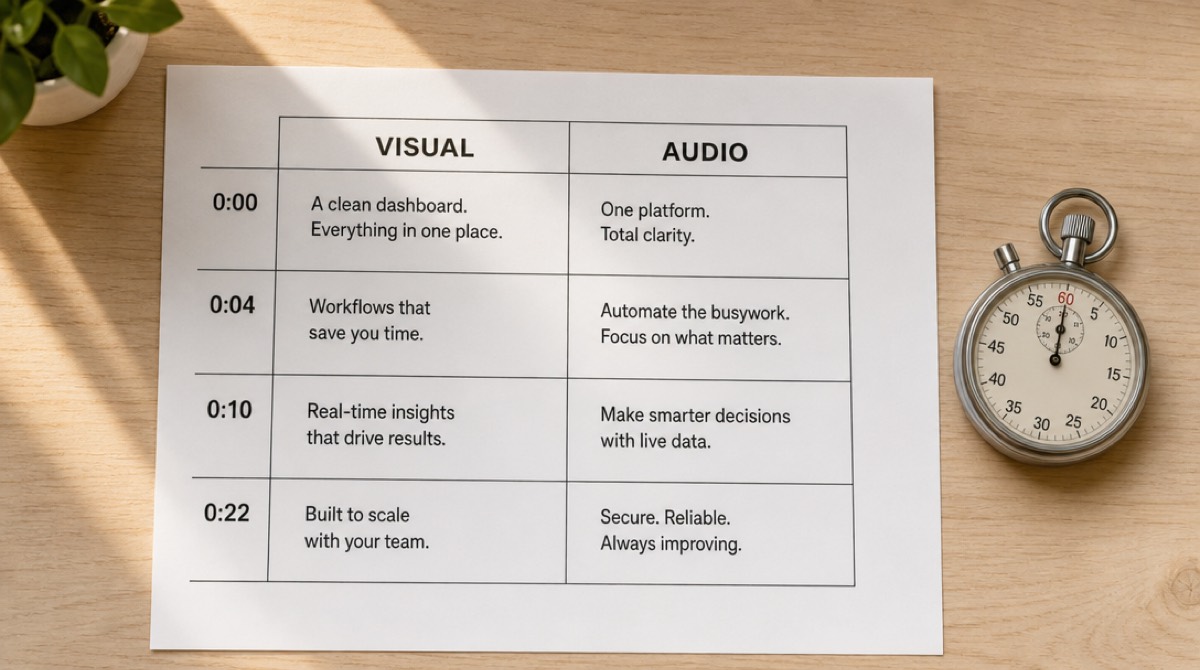
Most 30-second promo scripts that reach me open the same way. A soft observation about how the modern workplace is changing, or how teams today are busier than ever. Six seconds of throat-clearing before anyone learns what the product is.
Those six seconds are the only ones you're sure of. In a feed, they're most of what you get. Spending them on a warm-up is the single most common way a promo script fails, and it fails before the animation ever starts.
Here's the structure I use instead, the timing it runs on, a blank template, and a filled-in example you can pull apart.
The budget: thirty seconds is about seventy-five words
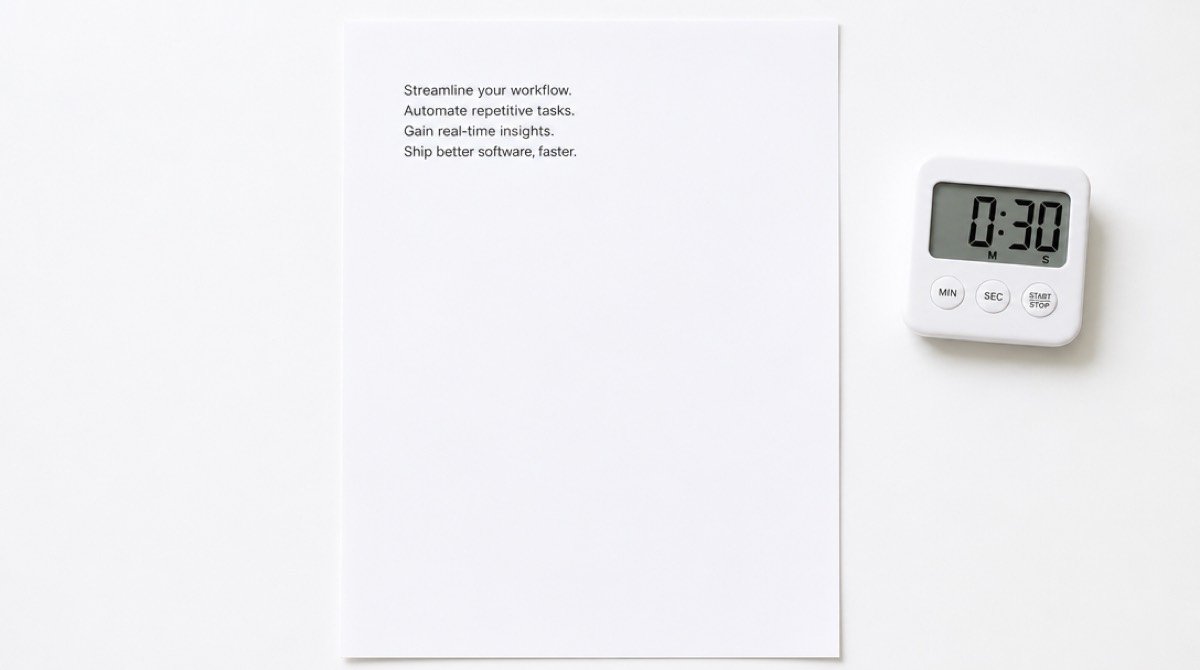
At a comfortable promo pace — brisk but not rushed, room to breathe on the important line — a voiceover lands around two and a half words per second. That puts a 30-second script at roughly 75 words. Not 110. If your draft is 110 words, you haven't written a 30-second script, you've written a 45-second script that a voice artist will have to sprint through.
Write to the word count before you write to the clock. It's the more honest constraint, and it forces the cuts early instead of in the edit.
Four beats, and the seconds each one gets:
- Hook, 0–4 seconds. About ten words. One claim or one recognisable problem, stated flat.
- Problem, 4–10 seconds. About fifteen words. Why the thing in the hook is expensive, annoying or slow.
- Product, 10–22 seconds. About thirty words. The longest beat by design, because this is where the interface is on screen doing something.
- Close, 22–30 seconds. About twenty words. What to do, and one reason to do it now rather than later.
The product beat being the longest is the part people get backwards. Instinct says to spend the time on setup and then rush the demo. Do the opposite.
The template
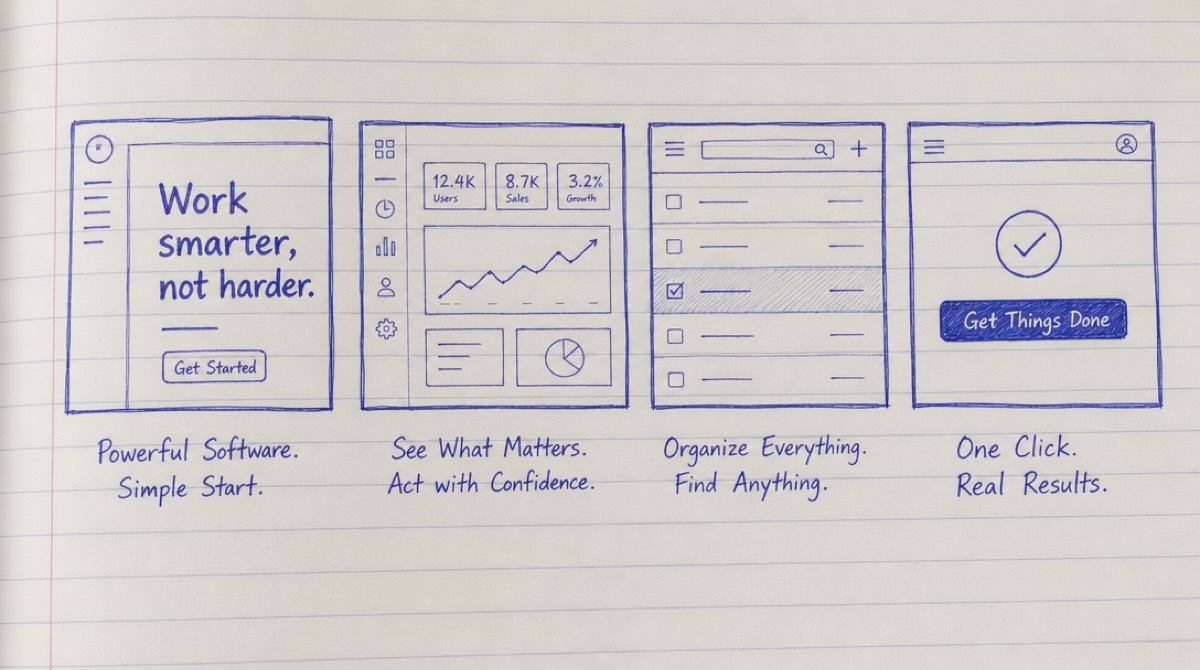
I write in two columns — what's on screen, what's being said — because promo scripts fail at the seam between those two things far more often than they fail on the words. A line that reads beautifully and has nothing to show behind it is a dead line.
Copy this and fill it in.
0–4s — HOOK
- Visual: one image or one line of type. Not a logo. Not a montage.
- Audio: the claim or the problem, in under ten words.
4–10s — PROBLEM
- Visual: the cost of the problem, shown rather than described — the spreadsheet, the tab sprawl, the waiting.
- Audio: one sentence on why it matters. Not two.
10–22s — PRODUCT
- Visual: the interface doing three specific things, in sequence. Name them here: the filter landing, the row appearing, the number changing.
- Audio: what each action gets the viewer. Tie every claim to the thing on screen at that moment.
22–30s — CLOSE
- Visual: product name, one line of positioning, the action you want.
- Audio: the action, plus a reason it's low-risk. Free tier, no card, takes a minute.
The rule that makes the template work: if you can't name the visual, delete the line. Not rewrite it — delete it. A sentence with no picture behind it is a sentence you'll try to cover with a stock shot, and stock shots are where promos go to look like every other promo.
A filled-in example
A fictional product — a tool that turns support tickets into help-centre articles.
0–4s. Visual: a single support ticket, then forty more stacking behind it. Audio: "Your team answers the same question eleven times a week."
4–10s. Visual: a cursor copying an answer, pasting it into a doc, abandoning the doc. Audio: "Everyone means to write it up properly. Nobody has an afternoon spare."
10–22s. Visual: three actions in sequence — tickets grouped by topic, a draft article assembling itself, a publish toggle flipping. Audio: "Helpline reads the tickets you've already answered, groups the ones that are really the same question, and writes the article. You read it, you fix a line, you publish."
22–30s. Visual: the help centre, populated. Product name. Audio: "Your help centre, written from the answers you already gave. Free on your first fifty tickets."
That's 74 words. The product beat has three named visuals, and every claim in it points at something happening on screen. The close gives a reason that isn't "sign up now."
Making it sixty seconds
The instinct is to expand every beat. Don't. What earns a second thirty seconds is exactly one thing: a second use case.
Hook and problem stay where they are. Close stays where it is. You add another product beat — a different job the tool does, for a viewer who wasn't convinced by the first one. If you can't name a genuinely different second use case, you have a 30-second product and you should ship the 30-second video.
What doesn't earn the time: more adjectives, a founder shot, a logo animation, a customer count.
Five sentence patterns to cut on sight
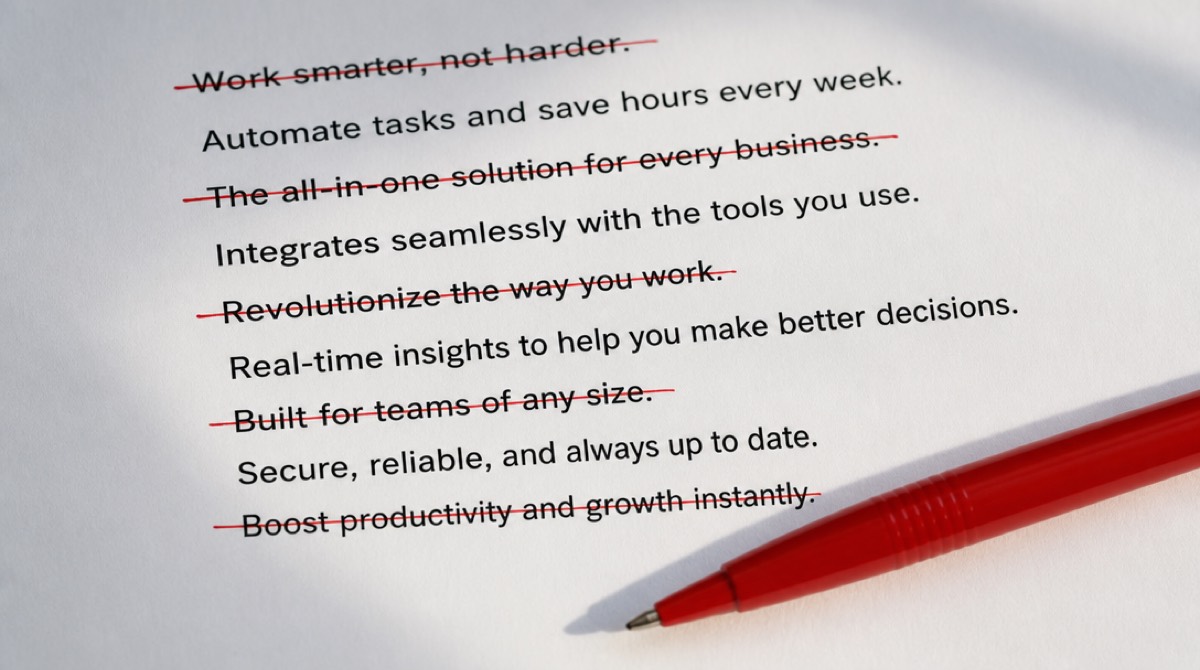
- "Introducing…" Nobody has ever been persuaded by being introduced to something.
- "The all-in-one platform for modern teams." True of nine thousand products, so it identifies none of them.
- "Trusted by thousands." If the number is impressive, say the number. If it isn't, don't raise the subject.
- "In today's fast-paced world." Six words that could be replaced with the product.
- "Say goodbye to…" Sets up a problem the viewer now has to remember while you describe a solution.
Each of these survives drafts because they sound like promo copy. That's exactly why they don't work — sounding like a promo is the thing viewers have learned to skip.
Getting the first draft out of your own site
Writing beat four before beat one is a legitimate technique, and so is not starting from a blank page at all. Our promo script generator reads your URL and returns three scripts taking three different angles — free, no account. Use it for the angles rather than the sentences: reading three arguments for your product side by side tells you which one it actually rests on, which is hard to see from inside the company.
Three things you'll always fix by hand in a generated draft: the hook is usually one beat too polite, the product beat names benefits without naming visuals, and the close asks for a signup without giving a reason. Those are the three edits. They take ten minutes.
The bottom line
Thirty seconds is seventy-five words, four beats, and one rule — every line has a picture behind it or it goes. The script is the cheapest part of the video to change and the most expensive part to get wrong, because everything downstream is built on it.
If you want the video made from the script, PromoHyper does that from the same URL. If you're writing a longer explainer instead, the five-beat structure is here, and the first three seconds get their own post because that's where most of the damage happens.