The best free tools for a SaaS maker, and the exact point where free stops
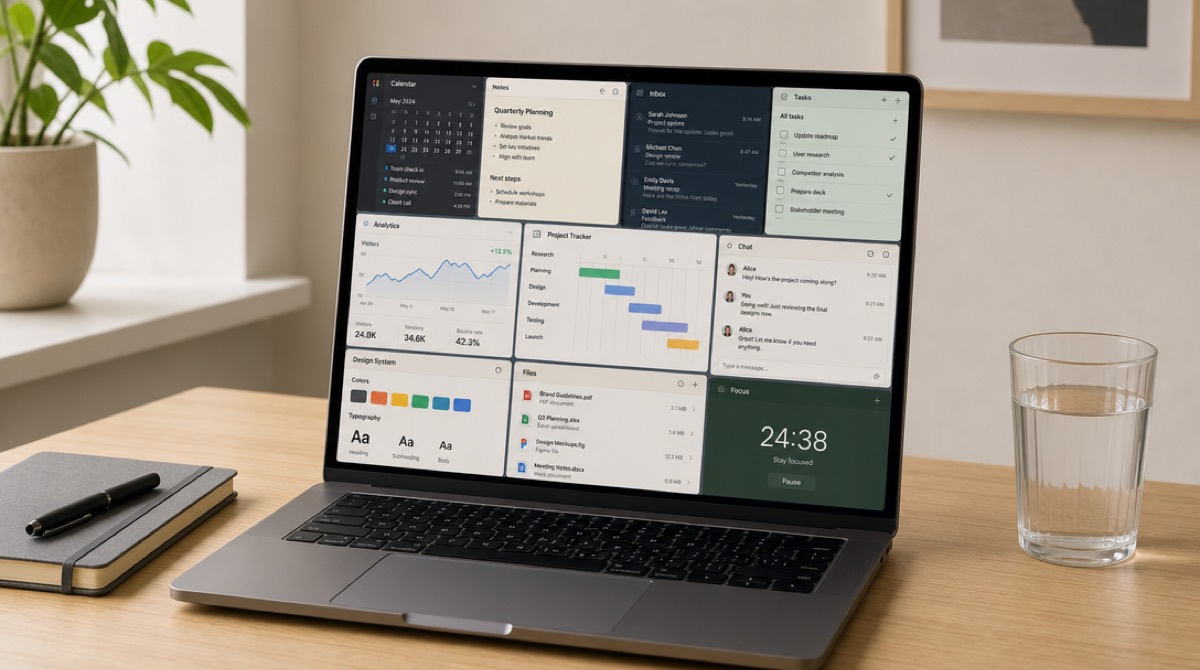
Almost everything I use to run PromoHyper is free, and the free parts are not the compromise parts. But "free" covers two completely different arrangements — software that is free because somebody gave the source away, and software that is free because you are early — and the second kind sends its bill later, in a currency that isn't money.
I'm a motion designer by trade who ended up building and running a small software product, which means I came at most of this from the wrong end. What follows is what survived two years of use, plus the ones I dropped and why.
What free actually costs

The question I ask now, before adopting anything: what does leaving cost? Not "can I export" — every tool says yes to that. Specifically: can I get my data out today, in a format something else can read, without opening a support ticket. If the export is a PDF or a screenshot, there is no export.
Second question: what does the free tier keep. Data retention is where free tiers quietly differ. A tool that shows you the last 30 days for free is fine right up to the week you need to answer a question about last quarter, and that week always comes after you've made the decision.
The traps, in the order I've fallen into them. Free tiers that hold your data hostage: not with a fee, but by having no meaningful export, so the switching cost is a weekend you'll never spend. Free that costs you a badge on your own site — sometimes a fair trade, and sometimes you're advertising for a competitor's landing page. Free tiers that sleep: a database that suspends after a period of inactivity is perfectly reasonable for a side project and a bad look on the day someone finally visits. And free stock media, which is genuinely free and still the fastest way to make your product look like everyone else's — I've written about why a stock shot of a woman laughing at a laptop hurts you more than no shot at all.
None of this is an argument against free. It's an argument for knowing which arrangement you're in.
The build stack: free because it's open
The most reliable free tools are the ones nobody is planning to monetise later. Git costs nothing and always will. VS Code is a free download. GitHub's free plan has covered private repositories for years now, which is the part people from a decade ago don't expect.
For hosting and the edge, Cloudflare's free plan does DNS, CDN and TLS for a product with real users, and their compute and static hosting have free allowances that a pre-revenue app rarely exceeds. Same shape at Vercel and Netlify: a hobby tier that carries you until you have customers, at which point paying is not the hard part of your week.
Databases are where I'd read the terms twice. Supabase and Neon both give you real Postgres on a free tier, and both are honest that idle projects get paused. That's a fair deal for a project without traffic, and a thing to move off before launch day rather than during it.
For transactional email — password resets, receipts — most providers have a free allowance that covers you until you have enough customers to afford the paid step. Just check that the free tier includes the domain authentication records, because email that lands in spam is worse than email you didn't send.
Everything in this section shares a property worth naming: it's free at zero and cheap at small, and the price curve is gentle at exactly the point you can afford it. Free tiers that jump from nothing to a serious monthly bill at the first sign of success are the ones to be careful with.
Design and brand without a designer
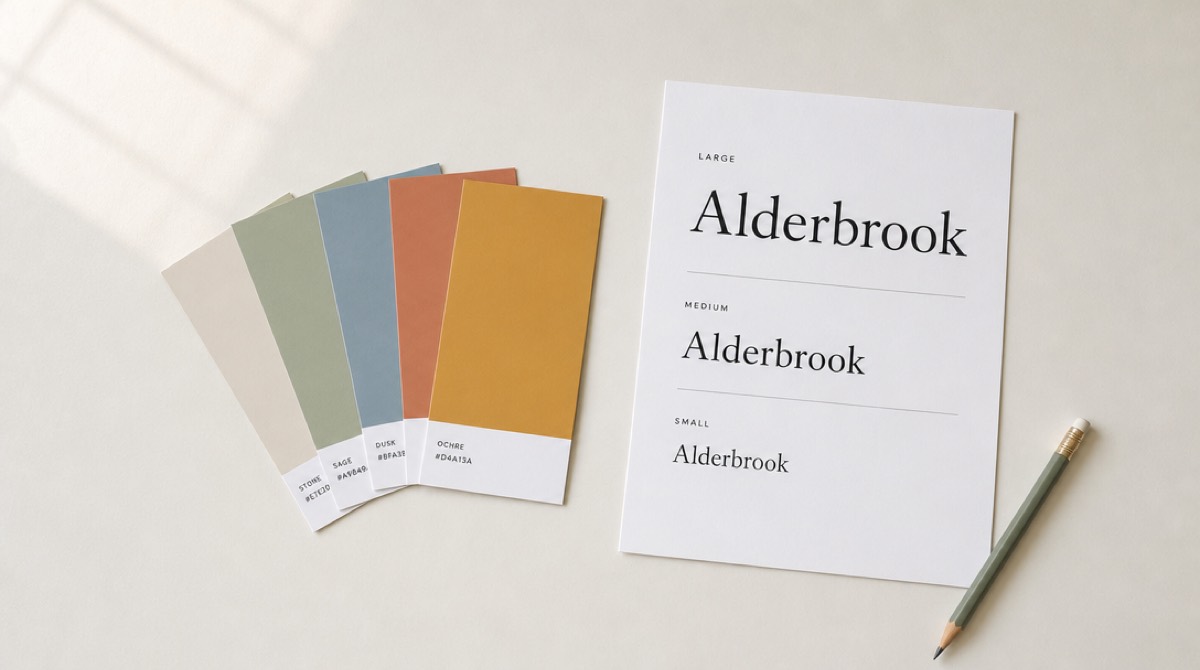
Figma's free plan is where most solo founders should start. The file limits have moved over the years, so check them before you build your entire design system in one place, but for a landing page and an icon set it's more capability than a solo founder can exhaust.
Google Fonts is the single highest-leverage free thing in design. Open licences, no attribution theatre, and a handful of families that are genuinely excellent rather than merely acceptable. Pick two and stop — the fastest way to look amateur is four typefaces, and the second fastest is one typeface at six weights used at random.
For vector work without a subscription, Inkscape is free and open source and handles SVG properly. Excalidraw for diagrams, because hand-drawn boxes read as thinking-out-loud rather than as an architecture decision nobody may question. And compress your images before you ship them — Squoosh runs free in the browser and will typically take a hero image from a megabyte to something a phone on a train can actually load.
Our free one belongs here. The brand guideline maker reads your live site and returns a PDF: your real palette with hex codes, your typography, your tone of voice, your visual language. It's free, there's no sign-up, and the honest description is that it documents what you already have rather than inventing a brand for you. That turns out to be the useful part — most founders have made a hundred small visual decisions and never written any of them down, so the fifth page of the site drifts from the first.
Words: the part no free tier does for you
There is no free tool that will fix your positioning, and I've looked. What exists is a set of free things that make bad writing visible.
The best of them costs nothing and isn't software: read the whole thing out loud, standing up. The sentence where you run out of breath is too long. The line you speed up is one you don't believe. Hemingway's free web editor does a mechanical version of the same job and is worth one pass, as long as you treat it as a smoke alarm rather than an editor — it flags long sentences, and long sentences are sometimes correct.
Ours, again free: the promo video script generator reads your URL and writes three promo scripts from different angles — three arguments for your product, not three phrasings of one. Most people find the useful output isn't the script they use, it's the moment they read all three and realise the angle they've been leading with is the weakest one. If all three come back vague, that isn't the generator failing. It read your homepage. There's more on what a script has to do structurally in explainer video script structure.
Distribution, before you have anyone to distribute to
The free tools here are strong and the well-known ones have earned their reputations: Buffer's free tier still schedules three channels, and Meta's own Business Suite handles Facebook and Instagram for nothing at all — first-party, so it is also the one least likely to get your new account flagged. What none of them will tell you is which channels are worth the effort, and that is the decision that actually costs you a month.
Ours, free: the social media strategy generator reads your product and returns channel verdicts — primary, secondary, or skip — with a reason attached to each, plus ten posts specific enough to publish this week. The instruction it works to is the opposite of most templates: recommend fewer channels. A grid with every platform filled in looks like more value and is the reason founders post everywhere badly for four weeks and then stop. Being told to skip TikTok, with a reason, is a more useful answer than a TikTok plan nobody runs.
Video and audio, where free goes further than people expect
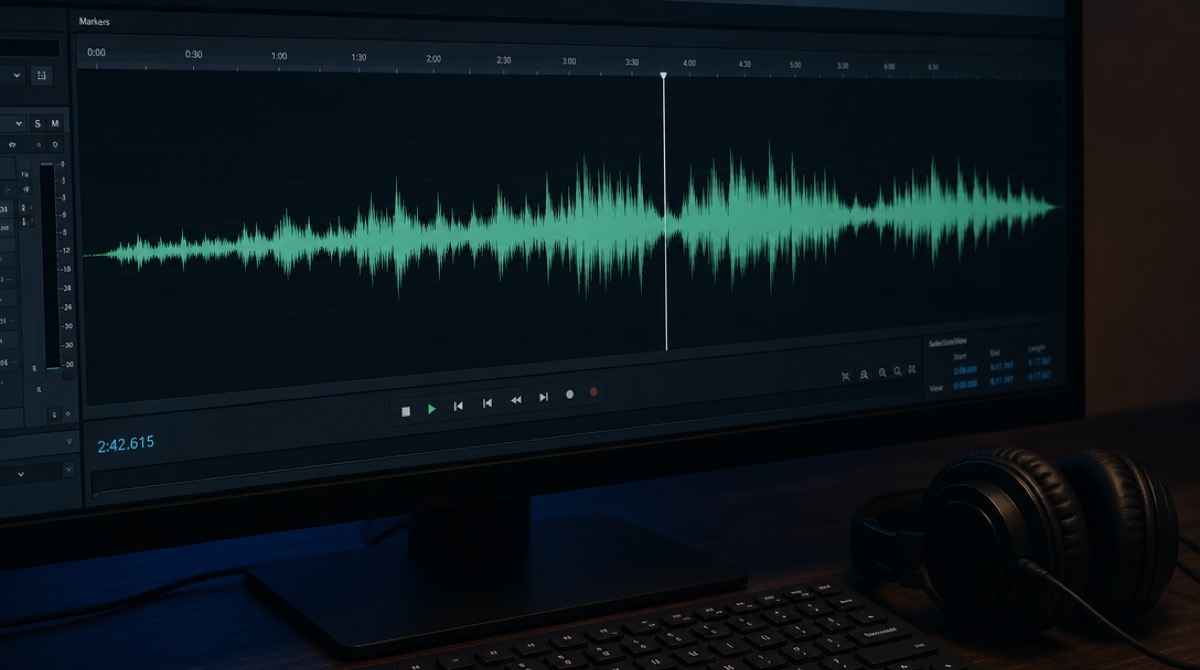
This is my actual trade, so I'll be specific. OBS Studio is free, open source, and better at screen recording than most paid capture tools. Both macOS and Windows have a competent recorder built in that costs nothing and needs no install. FFmpeg does every conversion, crop and trim you will ever need from the command line, and HandBrake is the same power with a window around it. Audacity cleans up a voice recording for free — one pass of noise reduction, gentle compression, done.
That set will get you a clean product demo with no budget at all. What it won't get you is motion design: text with weight, UI that assembles in a way that leads the eye, a cut that lands on the beat. Free tools don't withhold that; it's a skill, and it takes years.
Which is the gap the paid product fills. PromoHyper takes your product URL and returns a narrated promo video — script, voiceover, music, every frame designed rather than dropped into a template. That's what we sell; everything else on this page is free and stays free. If you're weighing that against hiring someone, agency versus freelancer versus AI is the comparison I'd read before spending anything.
Launching it, and finding out why nobody found you
Two free tools belong here and only one of them is ours.
Google Search Console is the one nobody should be running a product without, and it is free with no tier above it. It is also the tool that told me something I would not have guessed: two dozen of our pages were sitting in "discovered — currently not indexed", meaning Google knew the URLs and had never once fetched them. Nothing was broken. The pages simply had no internal links pointing at them, so there was no reason to spend a crawl. Adding them to the site footer fixed it within days. You cannot reason about search without that report, and no amount of writing substitutes for it.
The second free one is Lighthouse, which is already inside Chrome under the developer tools. Run it before you pay anybody for a performance audit.
Ours, free: the SEO checker takes a URL and reads the actual markup — title and description lengths counted rather than estimated, headings, canonical, Open Graph, robots.txt and sitemap fetched for real, internal links counted. The design decision worth explaining is that none of the checks go to a language model. That is why most AI SEO tools will tell you your meta description is 148 characters when it is 173: they hand the whole job to something that cannot count. Here the model is given the finished measurements and asked exactly one question — which of these matters first for this product, and why. It is allowed to answer "none of them, your problem is that nothing links to you", which is usually the true answer for a new site.
And the launch plan generator reads your product and starts with the question most launch checklists skip: whether you should launch at all this month. It is built so that every claim it makes has to quote your own copy back at you — if it cannot cite the line, it is not allowed to make the claim. In practice that means it catches things like a page that says it is "built for engineers" while also naming product managers as the buyer, and tells you which one to keep. It will mark Product Hunt as skip if your product fails that platform's entry requirements, which is not the answer a launch checklist normally gives.
The question that replaced "where do I rank"
This one is new enough that most lists have not caught up with it, and it took me a while to
take seriously.
People increasingly do not search for a category any more. They ask an assistant. And the answer
they get is a short list of three or four names, with no second page — which is a harsher game than
search ever was. So the useful question is no longer "where do I rank for this phrase" but "when
somebody asks ChatGPT for a tool like mine, am I in the sentence at all".
Ours, free: the AI visibility checker asks ChatGPT, Claude and Gemini the
question a buyer in your category would actually type, and tells you whether you get named. The
design decision that matters is that all three are asked with live web search on rather than
from memory. Training data differs between models, differs between versions of the same model, and
you cannot change any of it. What you can change is what the live web says about you — so that is
what gets measured. Three assistants also means three different search backends in one check:
ChatGPT searches with Bing, Claude with Brave, Gemini with Google.
The first run is usually uncomfortable. Ours certainly was: all three named competitors and none
named us. But the report separates the two reasons that can happen, which turns out to be the
whole point. If the assistant's search never surfaced your site at all, you have a discovery
problem — indexing, listings, links. If it read your site and still recommended somebody else, you
have a positioning problem, and no amount of link building fixes that one.
The check I only added because our own site failed it
The website security check is free, and it exists because building
it taught me something about my own site.
It reads only what a visitor's browser can already see: your certificate, whether typing your
address without "https" still lands people somewhere safe, whether a password-equivalent key is
sitting in your page source, whether a stranger can send email that looks like it came from your
address, and the handful of headers that quietly decide whether other sites can embed your pages.
It deliberately does not probe hidden files, scan ports or touch login forms. Anyone can paste any
address into it, so it only ever does what a browser does anyway. That limit costs it findings and
I would rather have the limit.
Two things about it are worth stealing regardless of whether you use ours. First, every result is
one of three answers — looks right, worth fixing, or couldn't check — because a bot-protection
screen answering instead of your real site is not a pass, and most free scanners quietly record it
as one. Second, it says plainly that it is an indication and not a verdict. Everything behind your
front door is invisible from outside: your admin area, your database, your backups, the laptops and
passwords of everyone with access. That is where real break-ins start. A site is only as safe as
its weakest link, and if the answer genuinely matters to you, that is a job for a qualified
professional with an agreed scope, not for a free tool.
When I pointed it at PromoHyper it found two real things I had not noticed: a cookie we set without
its protective flags, and an email record that was watching for impersonation without actually
blocking it. Both took minutes to fix and neither would have occurred to me to look at.
The free tool I ignored for a year
Google Search Console. No tier, no upsell, nothing withheld. I ignored it for months because it looked like a thing for SEO people, and I am not an SEO person.
What's in it is the exact wording of what people typed before they landed on you. Not personas, not a survey — the sentences. Three of the phrases I now use on our own pages came from that list, because real people were describing the problem in words I'd been too close to the product to use. That's a positioning research tool wearing a webmaster tool's clothes, and it's free, and I skipped it.
Alongside it: Lighthouse is already in your browser's dev tools and will tell you what's slow. Cloudflare Web Analytics is free and doesn't need a cookie banner. If you'd rather own the data outright, self-hosted open-source analytics like Umami costs you a small server and no licence.
One paid thing at the end, and it's five dollars
Everything above is free. This one isn't, and I'd rather label it than bury it.
The UI animation generator costs $5 per animation. You upload a screenshot of your app, and you get back a five-second 1080p video of that interface assembling itself — panels, rows and cards arriving in a readable order, no watermark. One payment, no subscription, no account.
I put it here as a bonus because it's the single cheapest way I know to get real motion design attached to your product. It's the top of a hero section, the thing in the launch post, the four seconds of a demo where a static screenshot would have sat there. Five dollars is roughly what it costs us to render, which is why the price is what it is rather than something rounder.
If it's not worth five dollars to you, the rest of this list still stands on its own, and the screen recorder you already own is free.