Why code-based promo videos beat the usual AI video generators
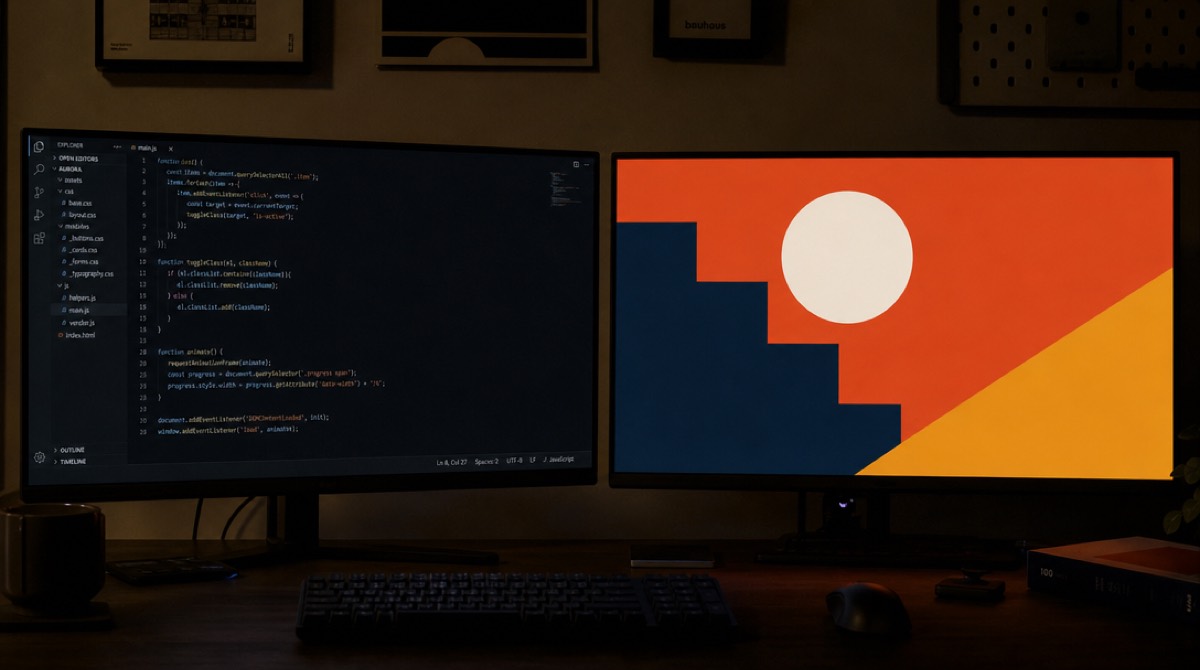
Two different machines are being sold under the same phrase, and the difference between them isn't really about quality. It's about what the software is doing when you press the button.
One kind predicts pixels. You describe a shot, and the model produces frames that are plausible continuations of everything it has seen. The other kind writes a document — markup, styles, a timeline — and hands it to a browser to draw. The frames come out of a rendering engine, the same one drawing this page right now.
I build the second kind, so apply the obvious discount to everything below. But the distinction decides most of what will annoy you later, so it's worth understanding before you commit to a tool.
What "written as code" means here, literally
Not code-assisted. The output of the writing step is one self-contained HTML file. Headlines are real text in real fonts. Shapes are SVG I asked the model to draw. Every movement is a tween on a single paused GSAP timeline.
The renderer never plays that timeline. It seeks it to a moment, screenshots the page, seeks to the next moment, screenshots again, and the stills get muxed with the voiceover and music afterwards. A frame at 12.4 seconds is a browser's answer to the question "what does this document look like at 12.4 seconds."
It's a strange way to make a video. Everything below is downstream of that one choice, including the thing it can't do at all.
Text stays text

In the diffusion tools I've tried, letters are the tell. They shimmer, the spacing breathes between frames, a word will quietly restate itself over half a second. It's improving quickly and some of what I've seen recently is much better, so I'd rather not pin a claim to a specific model that may well be superseded by the time you read this.
In a browser the question never arises. Your headline is set in the font you loaded, kerned the way the font designer intended, and it is the same shape in frame 300 as in frame 299. When it's wrong it's wrong as a CSS bug, which somebody can go and fix, rather than as a roll of the dice.
The one honest caveat is that a lot of brand fonts are proprietary and aren't available to load, so the closest match in the same category gets used instead. That's a substitution you can see and argue with, which is a different category of problem from letters that won't sit still.
The logo is a file, not a guess
There's a rule in my codebase written in shouty capitals, because I kept losing this argument with the model: brand marks are sacred.
What that means in practice is that a logo can only be moved through opacity, position, scale, rotation, masked reveals and light. It can fade, travel, breathe, have a shine sweep across its own alpha. It can't be sliced into fragments that fly in and reassemble, because the mid-assembly frames show a broken brand, and the brand guidelines I've had to work inside tend to forbid exactly that. And it can never be re-typeset in a font, however close the match: a wordmark's letters are artwork, not text, so the logo file's own pixels are the only permitted source for them. If no logo file was supplied, the tool sets the product name in clean type rather than inventing a mark, because an invented emblem looks worse to me than the real name set well.
The same logic reaches inside screenshots. There's a mode where I deliberately rebuild a customer's interface in simplified HTML so its panels can assemble on screen, and in that mode the marks sitting inside the UI are CSS-cropped straight out of the original image file — a fixed box with the screenshot as its background, offset so exactly that mark shows. It's an unglamorous technique. It also means the pixels are the customer's own rather than something drawn from memory.
Your product screens stay your product screens

A screenshot goes in as an image file and nothing regenerates it. The rows stay where they are, the numbers stay the numbers, the button labels say what they say.
This is the part that makes me most uneasy about pointing a diffusion model at software. It doesn't place your interface, it draws an interface, and what comes back is plausible-looking product that isn't yours — which is its own entry on the list of ways a product demo goes wrong. For a mood film that's fine. For a promo whose whole job is "here is what this thing does," it's the wrong tool for the central shot.
The same file renders the same way twice
Determinism here is enforced rather than hoped for. The composition is statically checked before render, and a Math.random or a Date.now anywhere in it is a rejection. With those gone, nothing inside the file can vary between runs. That isn't a byte-identical guarantee across browser and renderer versions, but it removes every source of drift that was mine to remove.
The practical payoff is that revision can be surgical. Every element that renders a line of the script is meant to carry an anchor attribute holding that line's text, so changing a headline rewrites the words in place and leaves the classes, styles and the per-word animation on those words untouched. There's no re-rolling and hoping the good part survives the next attempt. Not every line qualifies: where the anchor has an icon or nested per-character spans inside it, the editor refuses to touch it rather than risk deleting a hidden state or an icon, and that line falls back to a fuller rewrite.
Resolution falls out of the same property. The composition doesn't have a resolution; it has a layout. 4K is the identical file captured at a higher device pixel ratio, so nothing is upscaled and the type is as crisp there as at 1080p.
You can measure a composition before you render it
This is the one I actually care about, and it exists because of a specific embarrassment. The model writing the composition never sees the composition — it's authoring blind, the way you'd write a poster over the phone. A founder sent me a screenshot with a line of the script sitting behind an opaque panel, unreadable.
So now, before any frames are captured, the composition is loaded in a real browser and measured. Text overlapping other text, text sitting behind an opaque element, text spilling its box: all of that is geometry, and geometry is countable. The measurements go back to the model, which returns a small CSS patch that gets appended last. The page is then measured a second time, though only so the log records whether the patch worked — there's no second attempt.
It's a repair rather than a gate, and it fails open: a measurement problem must never block someone's render. The patch is refused outright if it tries to solve a collision by hiding something, or if it touches a transform, because that would fight the timeline and freeze an element mid-move. The first version of the scanner was also too eager: it kept flagging the scene container as colliding with its own children, since a container's text content is the entire video's text, so wrappers now get filtered out by area and text length.
The measurement that redirected the whole effort: I ran one brief through three reasoning budgets and counted what the scanner flagged in each. Twenty-six, thirty, eighty-five, in increasing order of thinking time. Two caveats I owe you, though. Those are raw counts from that first over-eager scanner, taken before the wrapper filter existed, so some of them weren't real defects. And a flag is a flag, not a proven mistake. My reading is that the longest-thinking arm drew a great many more elements and still couldn't see any of them — but I never counted the elements, so that part is inference, not measurement. One composition isn't a study either. It was enough to stop me tuning the thinking and start building the eyes.
None of this is available on diffusion output. There's nothing to query. You'd have to watch the video and judge it, which is exactly the labour you were trying to avoid.
What this approach can't do
No photorealism. Not "not yet" — structurally. There's no real place, no real light, no actor, no lens. You won't get a handheld camera drifting through an office, or shallow depth of field that came from optics rather than a blur filter, or skin, or weather. CSS and SVG give you designed surfaces, and no amount of gradient craft closes that gap.
If the video in your head is a person opening a laptop in a sunlit kitchen, a diffusion tool is the right machine and I'd rather you went and used one.
And the composition is written by a model too, which means it can still misjudge hierarchy, pace a scene badly, or reach for a limp visual metaphor. The claim isn't that it doesn't fail. It's that when it fails, the failure is a wrong value in a file someone can open and change, instead of something baked into pixels.
Which machine for which job
The tests I would actually judge a tool by are in a separate post, and they apply to both kinds of machine.
If the video has to make a stranger understand a piece of software — interface on screen, your real colours, a headline that holds still — the code route is the safer bet, for dull reasons: the text holds, the screenshot is yours, and the file can be opened and edited. If the video needs atmosphere, faces, or a physical world, go the other way and don't let anyone talk you out of it.
PromoHyper is the code route, for whatever that's worth coming from me. The headline holds still because a browser drew it — a duller reason than the model being careful, and a more reliable one.