The best AI SaaS promo video examples, and whether AI can really hit agency quality
Every one of the videos below was designed and rendered by software. No editor opened a timeline, no motion designer keyframed a card, nobody rendered a comp overnight. Before the examples, the question worth answering honestly, because it's the one you're actually asking.
Can AI make an agency-quality SaaS promo video?
For a specific and useful subset of promos, yes. For the rest, no, and the line between them is sharper than either the sceptics or the vendors will tell you.
I've made promo videos for fifteen years, including pieces that shipped for Microsoft, xAI and Cloudflare, and then spent this year building software that does part of my old job. That makes me exactly the wrong person to ask for an unbiased answer, so here is the falsifiable version instead.
Where it genuinely lands. Motion-graphics promos built from type, brand shapes and product UI — the format that dominates SaaS homepages and launch posts. That format is bounded: a defined visual vocabulary, a script structure that has barely changed in a decade, and a quality bar set mostly by timing and hierarchy rather than by invention. Software is now good at all three. A 45-second piece that opens on a real problem, pivots to your product, shows three states of the interface actually doing something, and lands one call to action — that is a solved shape, and the output is genuinely comparable to a $2,000–4,000 commission.
Where it does not. Anything that needs a human on screen. Anything whose value is an original idea rather than a well-executed convention — the brand film with a conceit nobody has used before, the joke that only works because a person wrote it at 2am. Live action of any kind. And the piece you'll still be running in two years: hire humans and pay them properly, because a brand's defining film is not a commodity and shouldn't be bought like one.
The tell that separates the two tiers. Watch what happens during the product shots. Cheap AI video slides one screenshot around at different scales and calls it a demo. Good AI video shows the interface doing something — a filter landing, a row appearing, a number counting up — because the script made a claim and the visual has to earn it. That difference is not about render quality, which improves for free with every model release. It's about whether the thing understood your product well enough to know what to show.
Judge the examples on that.
Our own promo, made by the product itself
The most honest test available to me: point the tool at its own homepage and publish whatever comes back.
The thing to notice is the pacing. One idea per beat, and the frame settles between beats instead of drifting continuously — constant ambient motion is the most common tell of automated video, and holding still is a decision the software had to be taught to make.
Linear
Linear's brand is unusually disciplined: near-black canvas, one indigo accent, tight geometric type, no decoration. That makes it a hard test, because a system that reaches for gradients and floating blobs would immediately look wrong. Watch the restraint — the piece reads as Linear's because it inherited Linear's rules, not because it borrowed Linear's colours.
Vercel
The interesting problem here is a monochrome brand. With no second colour to lean on, hierarchy has to come from weight, scale and space alone. This is the example I'd point at if someone claimed AI video only works for brands with a loud palette.
Base44
Watch the UI sections. The interface is rebuilt as real elements and assembled on screen rather than presented as a flat picture — panels settling, rows cascading. That's the difference described above, and it's the single biggest quality gap between generated video that reads as expensive and generated video that reads as a slideshow.
Product Hunt
A launch-day format: shorter, punchier, built for a feed where the viewer decided to care before pressing play. Different job from a homepage explainer, and the script structure changes to match — less problem-setting, faster arrival at the product.
How to judge any of these, including ours
Four tests, in the order I run them. They work on any video in this category, from any tool.
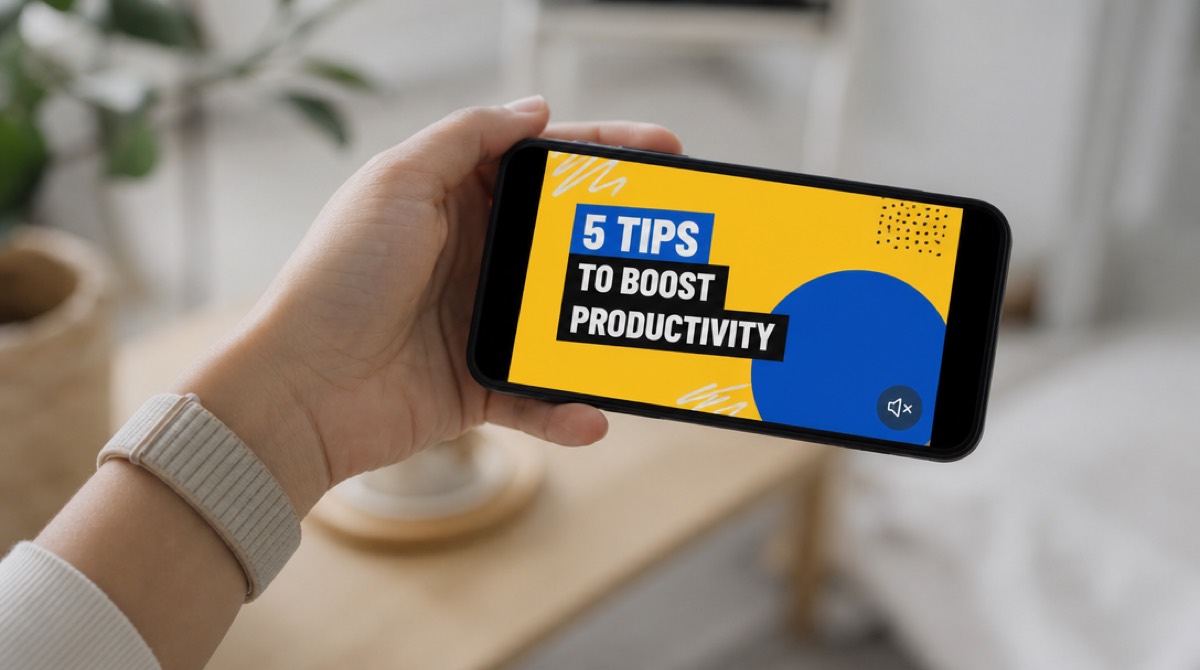
Mute it. Feeds autoplay silent. Count the seconds showing the product doing something against the seconds showing words about the product. If words win, you have a slideshow of claims with a voice on top.
Read the script out loud, standing up. The place you run out of air is a sentence that's too long; the place you speed up is a line you don't believe. This test costs nothing and finds more problems than any technical review. I put it last for years and was wrong to.
Imagine a different product's script over the same visuals. If they'd still fit, the visuals were never designed for that product — they're a container, and this week that product is what got poured in.
Pause on a frame and open the brand's site next to it. Hex codes are easy now; type weight is where tools diverge. A site set at 500 against a video set at 700 reads as somebody else's company.
Where these came from
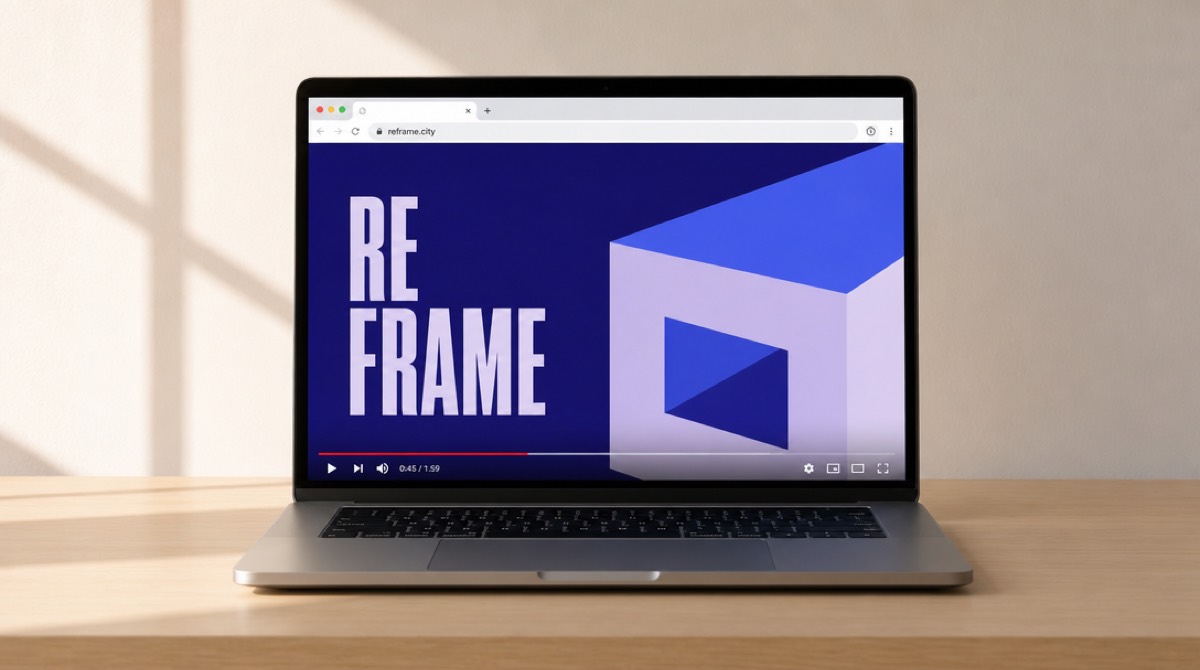
All five were made by PromoHyper. You paste a product URL; it reads the site and the brand, writes three script directions in that brand's tone, generates the voiceover and original music, and designs every frame from scratch — no templates — then renders 16:9, 9:16 and 1:1. Your first video is free — one per account, with a PromoHyper watermark on it and no revisions. Starter is $39 for a clean, unwatermarked video with a revision included.
That's enough to run all four tests above on your own brand before you pay anything: the free video is a real finished render, watermark aside. Decide whatever you like from it, including deciding against us — and if it turns out to be the video you actually want, buying a package lifts the watermark off that render too, no credit spent, so what you paid for stays available for new videos. If the three scripts it writes come back vague, that's usually not the tool failing — it read your homepage, and the fix is upstream.
Two other free things, if you're earlier than that: the promo script generator writes the scripts without making a video, and the brand guideline maker turns your site into a style guide PDF. For the wider comparison — agency, freelancer, or software — this post is the one I'd read first, and how much a SaaS promo video costs has the real price tiers.