AI video ad generator: which kind does your SaaS actually need?
Search that phrase and you'll get a pile of tools that don't do the same job. Some hand you an AI-generated person talking into a phone camera. Others hand you an animated, brand-designed explainer with your real product on screen. Both call themselves an "AI video ad generator." I've spent 15 years making promo and product videos, and I've now built one of these tools myself — so let me sort the category out before you pick one, because picking the wrong kind is an easy, expensive mistake.
Two very different tools share this name
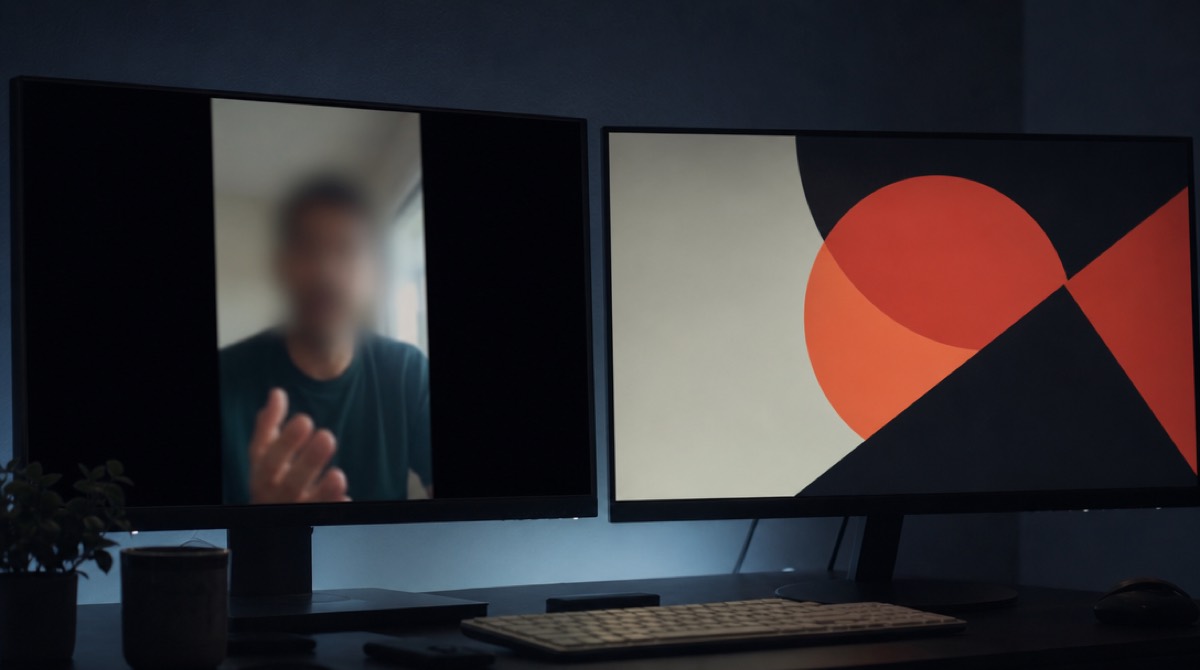
Avatar/UGC ad generators — think Arcads, Creatify, and the wave of tools that followed them. They generate a synthetic person (or clone a real one from a short clip) delivering a script straight to camera, styled to look like an organic phone video someone shot for TikTok or Instagram. The whole point is that it doesn't look produced.
Motion-graphics promo generators — the category PromoHyper is in. They write a script, design an animated frame around it — type, your real product screens, brand colors, motion — and render a polished explainer video. The whole point is that it does look produced, on purpose, because it's usually going on a homepage or in front of an investor, not blending into a For You page.
Neither is "better." They're built for different jobs, and the search term doesn't distinguish them. Here's how to.
When the avatar-ad kind is right

You want this if you're running paid social for a consumer or DTC product and testing creative at volume. The whole model depends on cheap iteration: generate twenty scripts, twenty faces, twenty hooks, and let the ad platform's algorithm tell you which one a stranger stops scrolling for. Feed it winners fast, kill losers faster. A single polished video can't do that job — you need volume, and volume is the entire pitch of this category.
It's a worse fit for B2B SaaS. Buyers evaluating a $200/month tool are not looking for a stranger's testimonial that feels like an ad they weren't supposed to notice. They're trying to understand what the software does, and a talking head — synthetic or real — can't show them a product screen while it talks. You also inherit some real trust risk: platforms and viewers are getting sharper at spotting synthetic-person ads, and a software buyer who clocks it mid-pitch doesn't finish the pitch.
When the motion-graphics kind is right
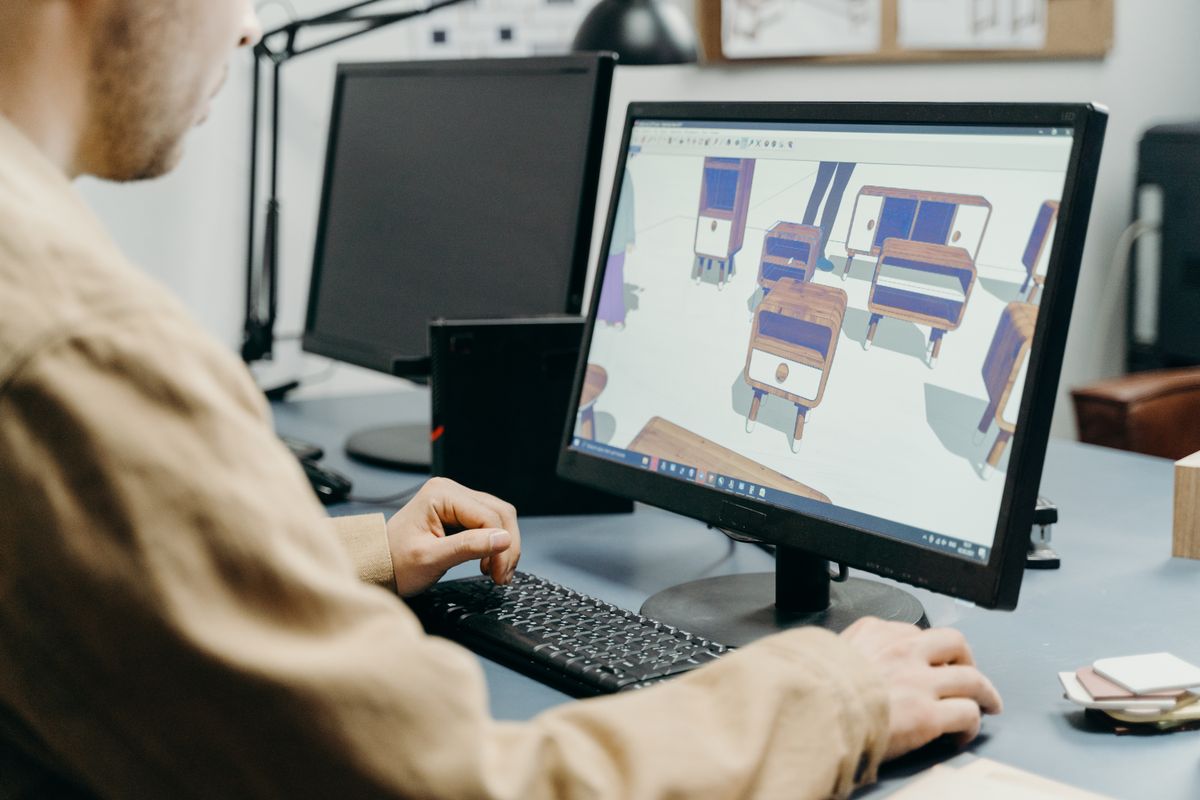
This is the SaaS homepage, launch-week, and investor-update case. You need the viewer to actually see the interface, understand the workflow, and connect your brand's actual colors and type to the product — none of which an avatar-in-front-of-a-webcam format can do, because there's no frame left for the product. A motion-graphics generator designs every scene around what you're claiming and puts your real screens in it.
It's also the format that survives being muted. Feeds autoplay silent, and a script-plus-avatar video is often unwatchable without the audio; a well-designed motion piece carries its point in text and motion alone. I wrote more about what separates a good one from a template-feeling one in are AI promo videos good enough for your homepage — the checklist there (real brand colors, a script with a point of view, real product screens, vertical crops that survive, the mute test) applies to any tool in this half of the category, not just mine.
What to actually check before you pick one

Whichever kind you're evaluating, run the same short test: generate one video, then watch it three ways before you trust the tool with a real budget.
- Muted, on a phone. If it falls apart without narration, it was decoration wearing a script.
- With a different product's script swapped in. If the visuals still fit, you're looking at a template, not a design.
- Next to your actual site. Does the palette match, or did the tool guess a generic "modern SaaS" gradient because it didn't really read your brand?
That fifteen-second check catches most of what makes AI video output feel cheap, regardless of which category the tool is in.
Where PromoHyper fits — and where it doesn't
PromoHyper reads your product URL, writes three script directions, designs an animated frame around your real screens and brand, and renders 16:9, 9:16 and 1:1 versions — usually in minutes. The first video is free (one per account, watermarked); watermark-free plans start at $39. It's the motion-graphics half of this category, built for the SaaS homepage and launch-video use case above.
It is not an avatar-ad generator, and I wouldn't pretend otherwise: if you need twenty synthetic-person variants for a paid social test-and-kill loop, that's a different tool and a different job. What it's for is the video that has to make a stranger understand your product in the first ten seconds, with your actual interface on screen the whole time. I broke down what that costs elsewhere the old way in how much a SaaS promo video costs, and put real output side by side with agency work in the best SaaS promo video examples.
Search "AI video ad generator" long enough and you'll find both halves of this category mixed into the same lists. Know which job you're hiring for before you pick a tool — it matters more than which specific product you land on.