The best free brand guideline generators, and the three that actually work from your live site
I went looking for a free tool that would turn a website into a brand guideline. Not a template to fill in — an actual document produced from the site as it exists. The category is smaller than the search results suggest, and most of what ranks for it is a blank InDesign file with a download button.
So this is a short list rather than a padded one. Three tools clear the bar. Three more come close and stop somewhere specific, and I've written down exactly where, because that's usually the part you find out after signing up.
One disclosure up front: I build one of the three. It's third on this list and I've tried to be harder on it than on the others.
The bar, and why it's set here
To make the list, a tool has to do two things.
Start from your live site. Not an uploaded logo pack, not a questionnaire. If I have to hand it my assets, it isn't reading my brand — I am, and it's formatting my answers.
Give you something without an account. A free tier that ends at a signup wall is a trial with better marketing.
That's it. No pricing tiers to compare, because everything here costs nothing.
1. Brandfetch
Type a domain and you get that company's logos, colour values in hex, RGB and HSL, and its typefaces, on a public page you can read without logging in. There's a download-all button for the logo files.
It's the fastest of the three by a distance, and it's the one I use when I'm about to make something for a client and want their palette in front of me in ten seconds. Because the pages are public, it also works on companies that aren't yours — which is either a feature or a thing to know, depending on which side of it you're on.
What it doesn't do is judge anything. It reports what it found. There's no view on which colour is the primary one, no guidance on how the type is meant to be used, and no document at the end. It's a lookup, and it's an excellent one.
Worth knowing: brands can claim their page and correct it. If yours is listed and wrong, that's a free fix nobody tells you about.
2. Inspect Brand
Paste a URL and it fetches the page's HTML and CSS, then pulls out favicons, colour values and font declarations. The site's own description is plain about the method, which I appreciate — it's parsing your stylesheet, not guessing.
It's free with no signup, it says it stores nothing, and the exports are the reason to use it: one click gives you JSON, a CSS palette, or a self-contained HTML brand kit file. If you're handing a brand to a developer, JSON and a CSS custom-property block are worth more than a PDF, and this is the only tool here that produces them.
The limit is the same one Brandfetch has, for the same reason. Reading CSS tells you what colours are declared. It doesn't tell you which of them is the brand and which is a border on a disabled button. You'll get a longer palette than you want and you'll have to do the editing.
3. PromoHyper's brand guideline maker
This is mine, so read the next three paragraphs with that in mind.
It takes a URL, loads the page the way a browser would, and looks at the rendered site rather than only its stylesheet. The output is a PDF: palette with hex codes and named roles, heading and body typefaces, tone of voice, and a written section on the visual language — corner treatment, spacing rhythm, whether the site leans on illustration or photography and in what style.
The tone-of-voice and design-language sections are the honest reason it exists. The other two tools give you values; this one gives you sentences you could hand a freelancer who's never seen your product. That's a different job, and if all you need is a hex code, the other two are faster and you should use them.
The limits, stated plainly. The palette preview is free with no account, but the PDF asks for an email address — that's the trade, and the page says so before you start. It reads one page, so if your brand lives mostly on a page other than your homepage, point it there. And it's a document, not a system: nothing syncs, nothing updates when you rebrand.
It's free and it stays free. The paid product is the video, which is a separate thing entirely.
The three that come close
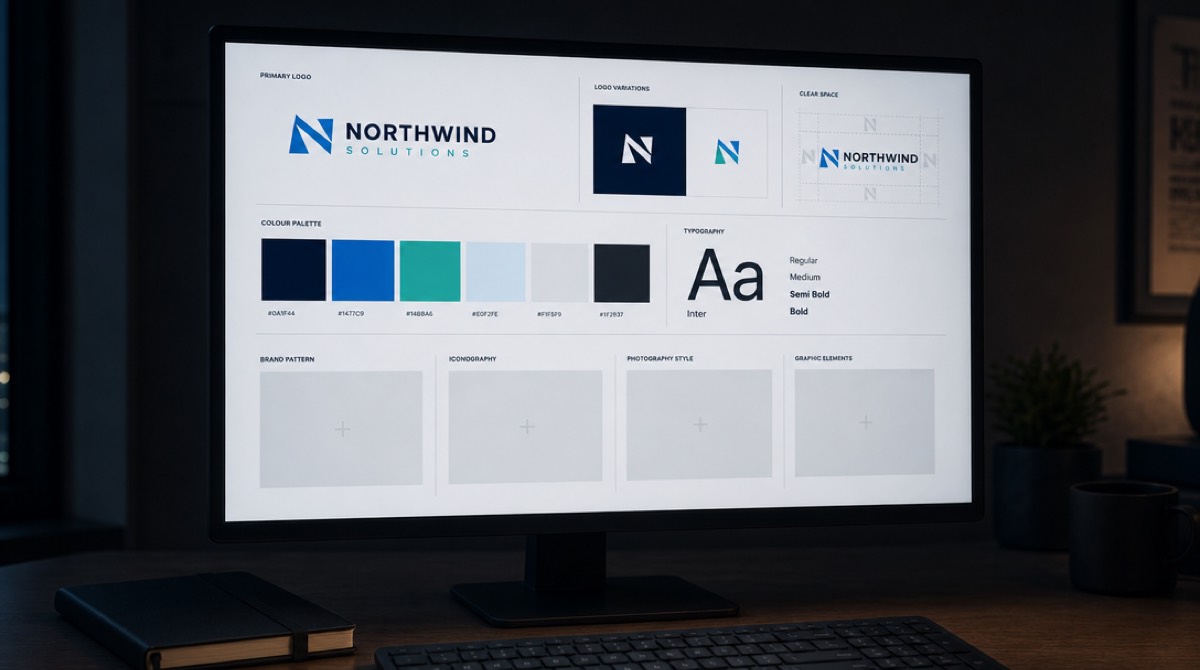
Guidelines.online has a genuinely generous free tier — unlimited drafts, one published guideline, automatic colour and font detection, hosted at a URL you can share. It's the only tool here that gives you a living page rather than a file. It doesn't make this list on one technicality: it works from an uploaded logo package, not your live site. Drop in your SVGs and PDFs and it builds a style guide around them. If you already have brand files and want them presented properly, start here instead.
Blendin does exactly what this list is about — paste a URL, get colours, fonts and logo — and I wanted it on the list. It isn't free. There's a fourteen-day trial, it asks for a card up front, and it's $59 a month after that. A trial that takes your card details isn't a free tool, and the distinction matters more to a founder with no revenue than to the person writing the pricing page.
Realtime Colors isn't a guideline generator and doesn't claim to be, but it's the one I actually reach for most. You pick colours and typefaces and it renders them onto a realistic web page, so you see the palette doing its job instead of sitting in swatches. It's free, needs no account, and exports CSS, SCSS, Tailwind and image formats. Use it to decide a palette, then use something above to document it.
What none of them do
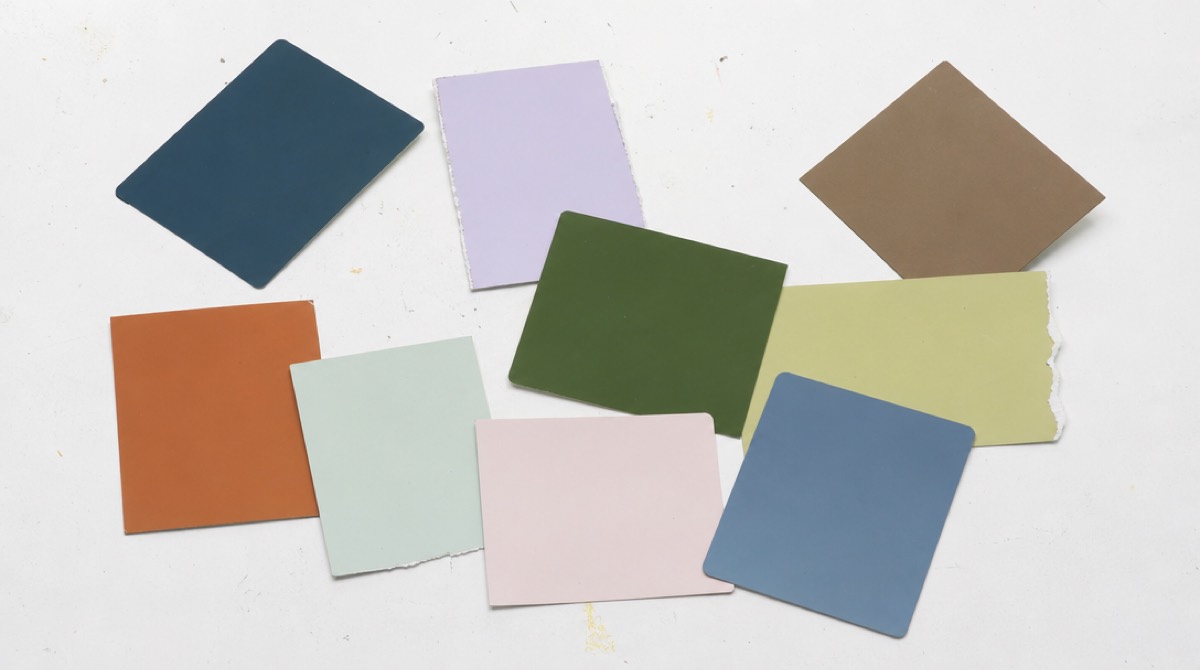
Every tool here reports colours and fonts. Not one of them will tell you your brand is inconsistent, which is usually the actual problem. If a tool returns a nine-colour palette from your homepage, that's not the tool being thorough — it's your site using nine colours, and the fix is upstream in your CSS, not in your brand document.
The other thing worth saying: a brand guideline is only useful if someone downstream reads it. A PDF nobody opens is decoration. The value shows up the first time you hand it to a contractor and don't have to answer twelve questions about your own colours.
If you want the video too
The guideline maker exists because PromoHyper needed to read brands accurately before it could design video frames around them, and it turned out to be useful on its own. Both are free to try: the brand guideline maker turns your site into a style guide, and the promo script generator writes three script directions from the same URL, no account either.